NeoMenu Demo
Choose the owner story that matches your restaurant.
Start with the business outcome a prospect cares about, then jump into the real owner, host, QR, or kitchen surfaces behind it.
Growth and visibility
See revenue, avg ticket, QR traffic, and AI waiter usage without empty states.
Control and speed
Trigger safe owner actions, then watch the customer and ops surfaces react.
Segment-specific stories
Tourist hospitality and fast-casual volume each get their own seeded narrative.
Use this demo well
Start with the owner story, then branch into proof
Pick the restaurant type that matches the prospect. Lead with Owner Mode, then use role launchers for host, waiter, kitchen, or cashier proof only when needed.
Best first click
Owner Mode shows pain points, before/after framing, and the exact next screens to open.
Shared demo rules
This is a resettable shared environment. Use live actions confidently, then use reset when you want the original baseline back.
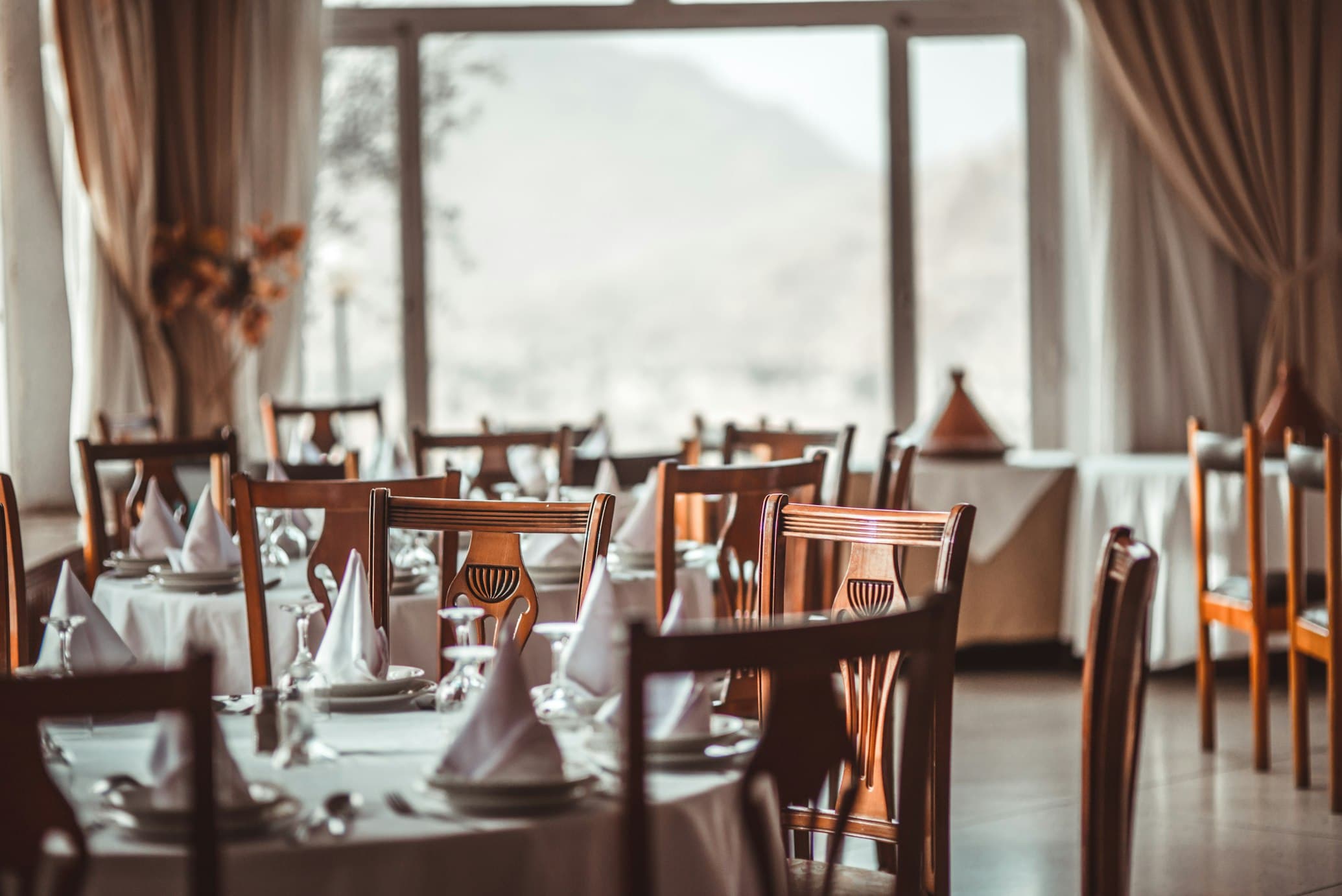
Tourist Hospitality Demo
Casa del Mar
How do I serve more tourists without adding service friction?
Casa del Mar needs to serve international guests smoothly without slowing the dining room during peak tourist hours.
Avg ticket
MXN 640
Dinner-heavy dine-in mix
Top traffic
Fri-Sun 6-10 PM
Tourist peak service window
AI coverage
4 languages
English and French lead usage
Recommended first click
Open the owner business snapshot.
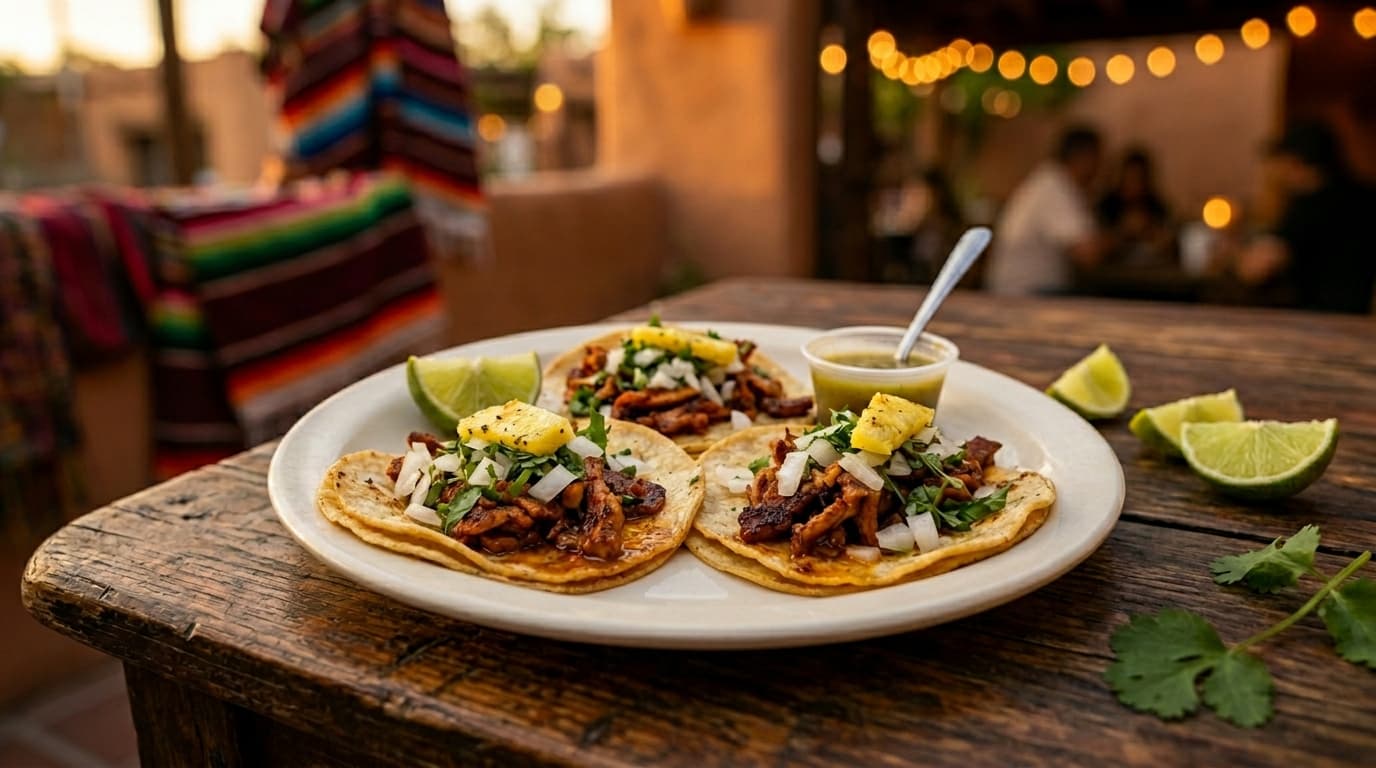
Fast-Casual Volume Demo
La Taquería Moderna
How do I move more orders through lunch rush without losing control?
La Taqueria Moderna needs to move lunch and dinner rushes faster while keeping menu control and channel economics visible.
Lunch peak
12:30-2:00 PM
Delivery and pickup spike together
Order mix
Dine-in + pickup + delivery
Fast channel switching matters
AI upsell
Combo recommendations
Designed for conversion and speed
Recommended first click
Open the owner business snapshot.
Launch a role directly
Start with the recommended role, or jump straight into the proof surface you need.
Best proof point
Illustrative throughput gain from faster QR-led ordering and fewer counter interruptions.
Owner angle
QR throughput, kitchen pace, delivery mix, and operational control.
7-minute owner path
Choose the segment
Start in Owner Mode for the restaurant type that matches the prospect.
Show the business story
Walk through pain points, before/after state, and illustrative ROI.
Trigger one safe action
Mark an item sold out, toggle the AI upsell, or trigger a lunch rush burst.
Close the loop
Jump into analytics, QR, host, or kitchen surfaces to show the effect immediately.
Demo restaurants restore to a curated baseline on a recurring cadence, and the Owner Mode reset action brings the shared environment back on demand.